Sales Capacity Planning: Calculate Productive Months Before Headcount
Build a monthly B2B sales capacity model with start dates, ramp assumptions, available time and workload checks. Includes a worked example and planning template.
By Lead Scorer 7 min read
Sales capacity planning estimates the selling work or output a team can support during a defined period. A useful model follows people through time: an approved role, a confirmed start and a fully productive seller contribute different amounts in the same quarter.
The practical question is when capacity becomes available and what assumptions make it usable. This guide builds a monthly model, checks it against workload and shows how to expose a gap without hiding it inside larger individual targets. All numerical examples are fictional planning inputs, not benchmarks or Lead Scorer customer results.
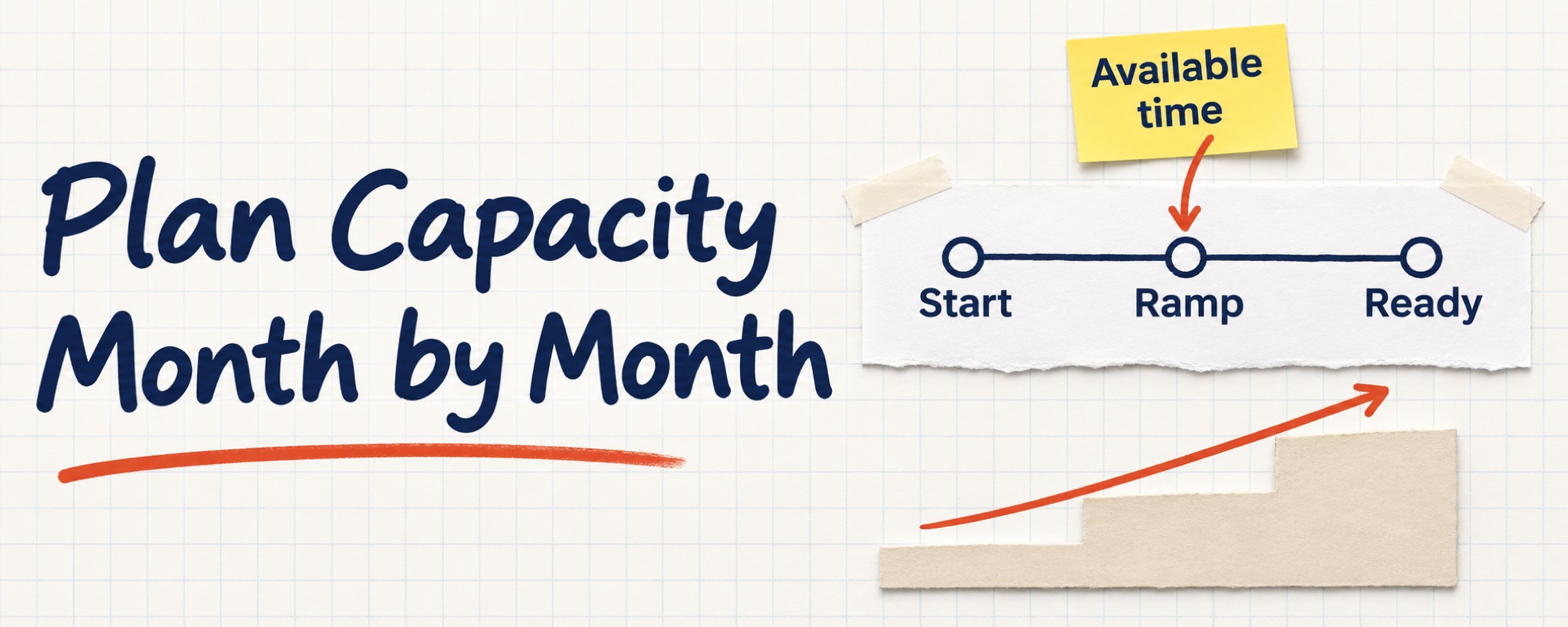
Give the model one job and one unit
Choose the team, sales motion and period first. New-business account executives, prospecting specialists and renewal owners do different work. Model them separately before checking how their handoffs constrain the whole system. Do not add their outputs as if meetings, pipeline and booked revenue were interchangeable.
Keep three decisions distinct. Territory planning allocates account coverage. Quota setting assigns targets. Capacity planning estimates the resources available to do the work across the calendar. The sales forecast still needs current opportunity evidence.
Start with either productive seller-months or available work hours. If you later convert productive months into a revenue scenario, state whether the baseline means bookings, new recurring contract value or another measure. Use the same measure and time period throughout.
Build a monthly roster, not an annual headcount total
Create one row per seller or cohort and one column per month. Record the start date, role, relevant segment, known availability and ramp stage. Show open roles separately from accepted offers and actual employees. A recruiting target is an assumption about a future start, not capacity already secured.
For each input, keep its source, owner and last review date. Include known departures or changes of role without inventing a universal turnover allowance. If departures are uncertain, put them in a separate scenario. Include the effect on remaining people: training a new colleague can consume manager or mentor time.
Insight Partners' capacity-planning method describes adding seller output month by month using productivity, ramp and start-date assumptions. It also distinguishes a first sale from full productivity. The article is dated November 25, 2020; it is a method reference, not a recent benchmark for your team.
Estimate productive months with explicit assumptions
A simple editorial model is:
Productive seller-months = sum of available-month fraction × ramp factor, for each seller and month.
The available fraction expresses how much of the reference working month the person can contribute. The ramp factor expresses expected output relative to a comparable established seller during that available time. A factor of 0.5 means half the reference output under the model, not a judgment that the person has learned half the job.
Define the reference carefully. If your observed monthly output already includes normal meetings, administration and ordinary absences, do not deduct those same losses again through several multipliers. If you instead start from gross working hours, deduct non-selling work consistently before estimating the usable hours. Keep the two approaches separate.
Use comparable past cohorts where available. A different segment, inherited pipeline or changed product can make an old ramp curve unsuitable. With little history, use labeled ranges and review them against observed work. The sales onboarding guide helps define evidence of readiness; its training milestones are not automatically an output multiplier.
A fictional three-month calculation
Suppose two established sellers are available for three full reference months. A third seller starts at the beginning of month two. For illustration only, their ramp factor is 0.25 in their first month and 0.5 in their second. Everyone's availability fraction is 1 during employed months in this simplified case.
| Period | Established sellers | New seller | Total productive months |
|---|---|---|---|
| Month 1 | 2 | 0 | 2 |
| Month 2 | 2 | 0.25 | 2.25 |
| Month 3 | 2 | 0.5 | 2.5 |
| Quarter | 6 | 0.75 | 6.75 |
The team has three people at quarter-end but 6.75 productive seller-months across the quarter. Dividing by three gives 2.25 fully productive seller equivalents for that whole quarter. These are planning units, not payroll full-time equivalents.
If a comparable reference seller produces $20,000 of eligible new-business bookings per productive month, the illustrative capacity scenario is 6.75 × $20,000 = $135,000. Against a $180,000 goal, the modeled gap is $45,000. This calculation does not establish that $135,000 will close. Pipeline availability, deal timing and the reliability of the reference output still need checking.
If the start slips to month three, the new seller contributes only 0.25 productive months. Total capacity becomes 6.25 months and the same output assumption gives $125,000. The timing change removes $10,000 from the scenario. Do not restore that number by quietly increasing the ramp factor.
Check whether the required work fits
A revenue-capacity model can look plausible while the team's calendar is overloaded. Estimate the work required by the planned motion: research, preparation, conversations, follow-up, active opportunities and existing-account responsibilities. Add travel only where the role requires it. Compare the workload with available hours in the same period.
For a separate fictional workload check, suppose the planned work requires 120 hours a month and the team has 90 usable hours. The gap is 30 hours. Dividing it by a credible additional seller's usable hours gives a resource-equivalent estimate, not an automatic hiring instruction. Work may be reduced, rescheduled or reassigned, subject to what the customer still needs.
Sidely's salesforce-sizing guide illustrates the workload approach using visits and available time. Its field-sales context includes travel; remote B2B teams should use the work units their own motion requires. Do not copy a visit duration or convert planned activity into guaranteed revenue.
Put demand and timing beside capacity
Before treating additional capacity as useful, check whether qualified opportunities and reachable accounts exist. Inspect the sales-cycle distribution: newly created opportunities may not close inside the planning window. More people cannot move a buyer's budget decision merely because the internal calendar needs it.
Keep pipeline-derived forecast and capacity scenario side by side. If capacity exceeds plausible demand, examine the allocation of work before filling every planned seat. If demand exceeds capacity, identify the constrained role and month rather than applying the same headcount increase everywhere.
The capacity-planning template
Keep these fields with the model:
- Scope: team, segment, motion, period and output definition.
- Roster: actual people, confirmed starts and separate open-role assumptions.
- Availability: monthly fractions or net hours with a consistent baseline.
- Ramp: cohort evidence, provisional factors and review owner.
- Output: reference productivity, sample and conditions under which it applies.
- Constraints: workload, demand, cycle timing and supporting-team availability.
- Scenarios: base, delayed start and slower ramp, changing identified inputs.
- Decision: gap, proposed response, owner and next evidence review.
Review actual starts and availability, then compare observed output with the assumptions. Preserve the original plan when revising it. A missed month may reveal a demand constraint, a ramp error or a workload issue; it is not enough evidence to blame an individual.
Start with one team and the next three months. Explore Lead Scorer to research and qualify the account universe supporting that plan. Keep staffing decisions, capacity assumptions and revenue forecasting with the owners and systems that actually govern them.
Frequently asked questions
What is sales capacity planning?
Sales capacity planning estimates how much selling work or output a team can support over a defined period. It accounts for who is available, when they start, their ramp stage and the work required, then compares that capacity with the plan.
How do you calculate sales capacity?
For a simple monthly model, multiply each seller's available-month fraction by a ramp factor relative to a comparable fully productive seller, then add the results. A revenue-capacity scenario also needs a clearly defined output baseline and a separate check of pipeline and sales-cycle timing.
Is sales capacity the same as a forecast?
No. Capacity describes what the team could support under stated assumptions. A forecast estimates the likely outcome from opportunity evidence. More available sellers do not guarantee enough qualified demand or deals that can close in the period.
How should new hires enter a capacity model?
Enter the expected start date and a month-by-month ramp curve informed by comparable cohorts. Keep open roles separate from confirmed starts. Record uncertainty and test delayed-start and slower-ramp scenarios rather than counting a planned hire as fully productive immediately.